
YouTube
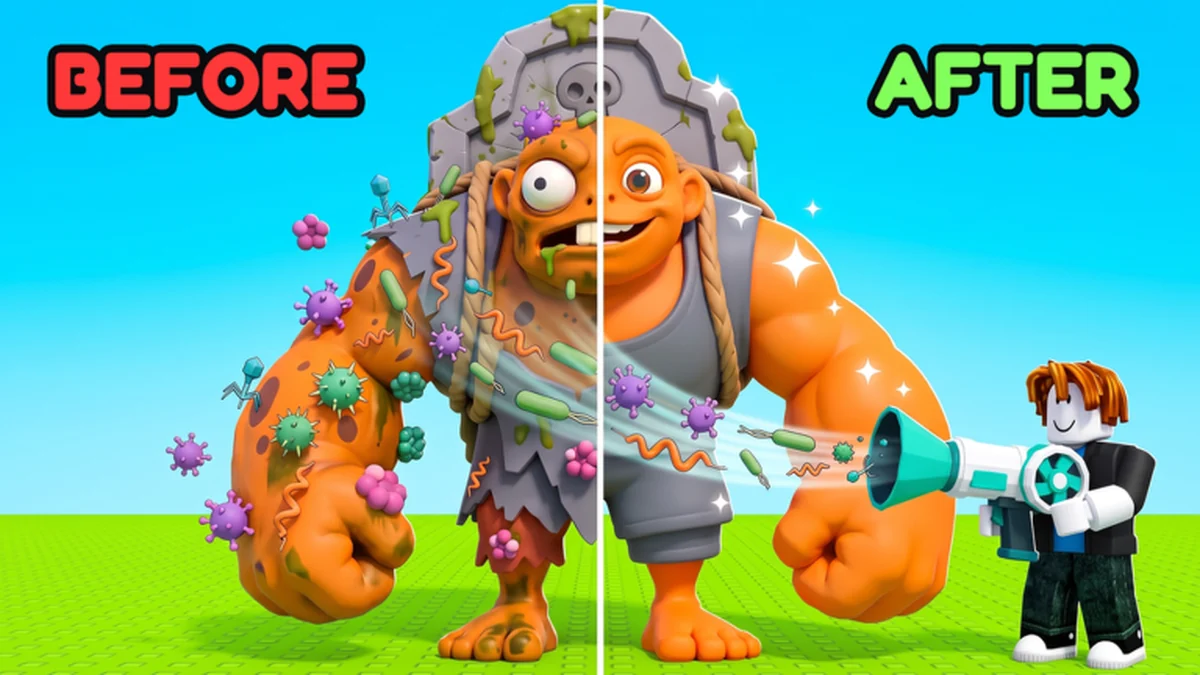
Laboratory
Steal and Cure a Zombie: Laboratory Guides
Turn a safe capture into a cured zombie, understand the vacuum, and compare the optional curing effects. Choose the treatment task you need rather than confusing a curing purchase with faster running or additional collection space.
3 focused guidesCuring captured zombies with the vacuum.
Choose your next task
Open the guide that matches the result you want next.
Laboratory Guides Directory
Published explanations for the tasks in this collection.
Guide
Cure Zombies
Treat a captured zombie with the vacuum and compare the two optional curing passes.
Guide
Laboratory Guide
See how the lab connects a safe capture, vacuum treatment and an earning pen member.
Guide
Vacuum Guide
Use the vacuum to clear infections and decide whether treatment is your upgrade priority.
How to use these laboratory guides
The lab sits between the safe return and the pen. The Laboratory Guide explains that handoff; Cure Zombies follows the treatment task and distinguishes optional curing passes. Choose the vacuum article when your question is the tool that clears infections.
Keep treatment improvements separate from capture and capacity decisions. A vacuum upgrade addresses laboratory work, while returning with the zombie and making room for it are different jobs. Finish the treatment you have started, then move the cured result to the earning pen.
See the game in a walkthrough
Creator gameplay in Vietnamese showing the capture, cure and progression context.
A connected gameplay task
Laboratory Guides Questions
Is the laboratory where zombies earn money?
The lab handles curing. The cured zombie earns money after placement in the pen.
Do Instant Cure and Lucky Cure do the same thing?
No. Their listed effects concern instant treatment and a second size roll respectively. The curing guide keeps the two purchase decisions separate.
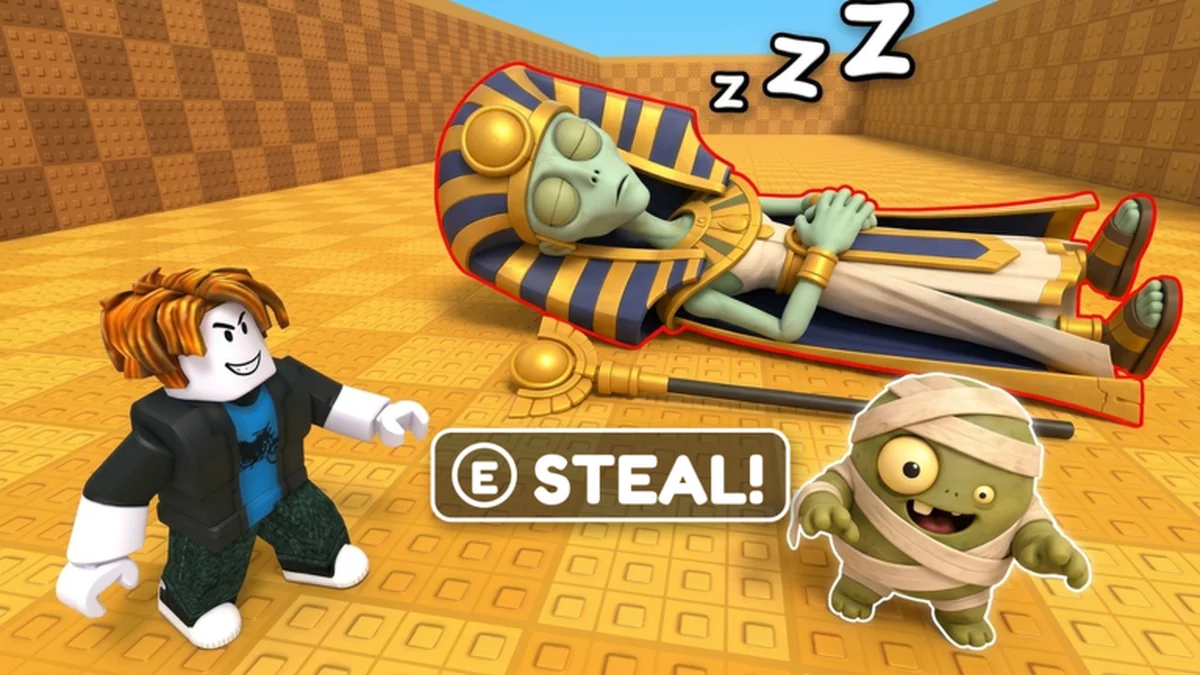
Cure a capture
Follow treatment and compare time-focused Instant Cure with size-focused Lucky Cure.